Client portal & white label
Clients see your agency, not a tool
The client portal runs at your address, with your logo and colours. Clients find everything you need from them — and nothing more.
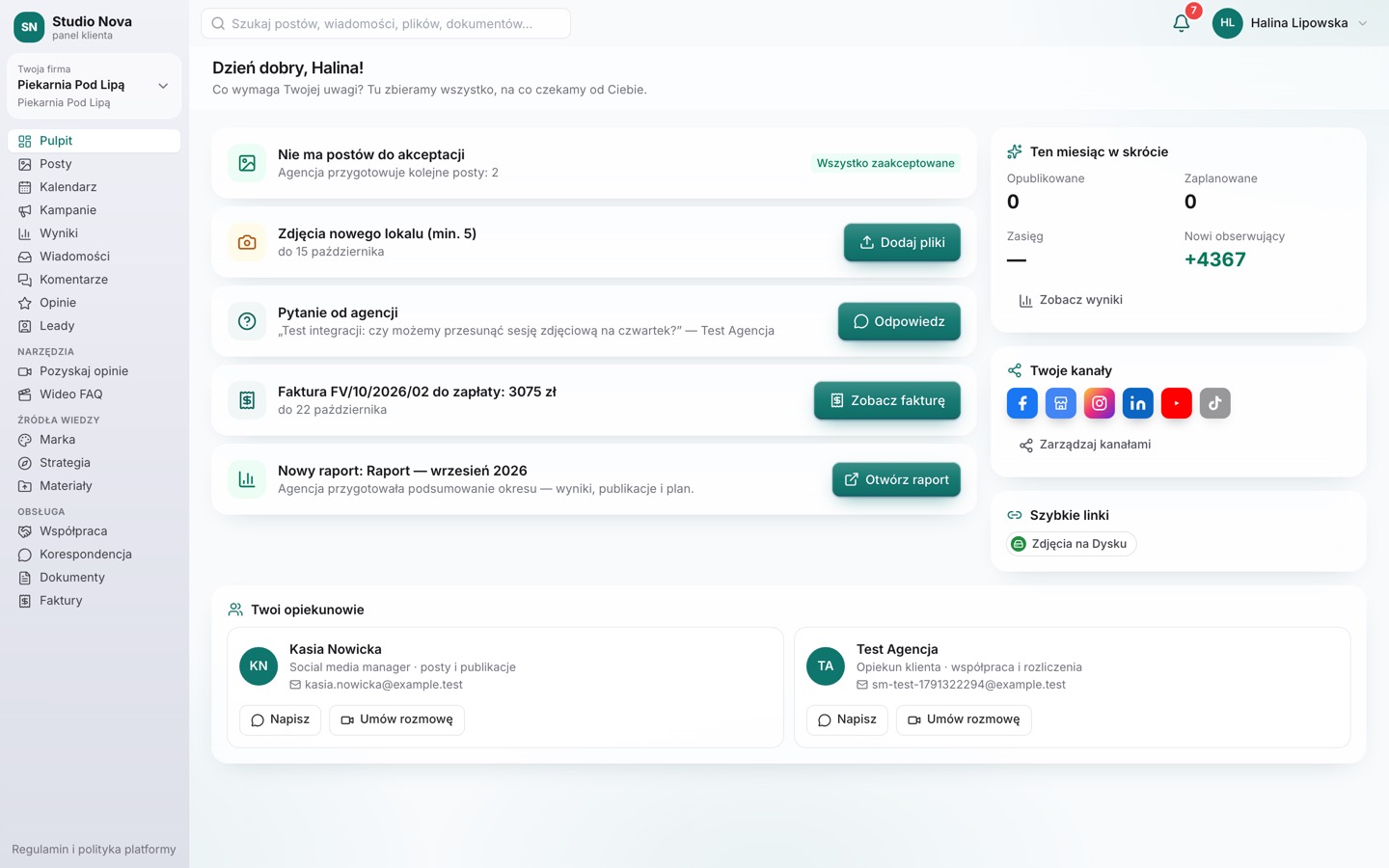
Client portal
“What needs your attention?” first
Clients immediately see posts to approve, questions from the agency, invoices and new reports.
- Posts, calendar, results, campaigns and strategy
- Messages and comments with forwarding to the agency
- Reviews, video testimonials and video FAQ
- Materials, documents, correspondence and invoices
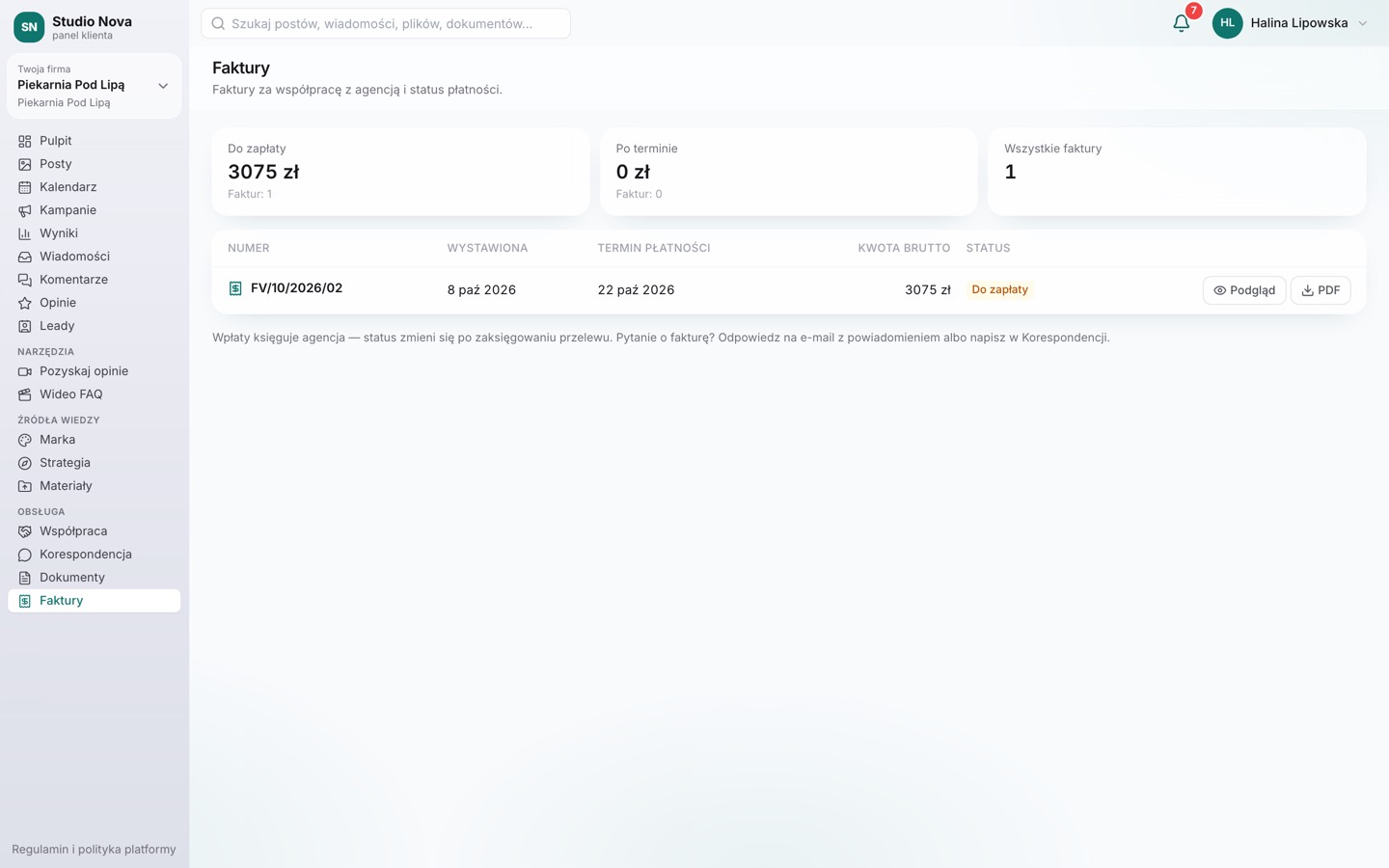
White label
Your logo, colours and address
Set your look once — the portal, emails, reports and approval pages follow your agency brand.
- Light and dark logo, icon, primary and secondary colour
- Subdomain your-agency.agenco.link
- Your own domain: a CNAME record + automatic certificate
- On your own domain, sign-in with email and password
Permissions
You decide what clients can do
For every client and every person, decide whether they can comment, edit copy or change notifications.
- Client-side roles (e.g. admin, approver)
- Internal notes and costs never reach the client
- “See as client” preview for your team
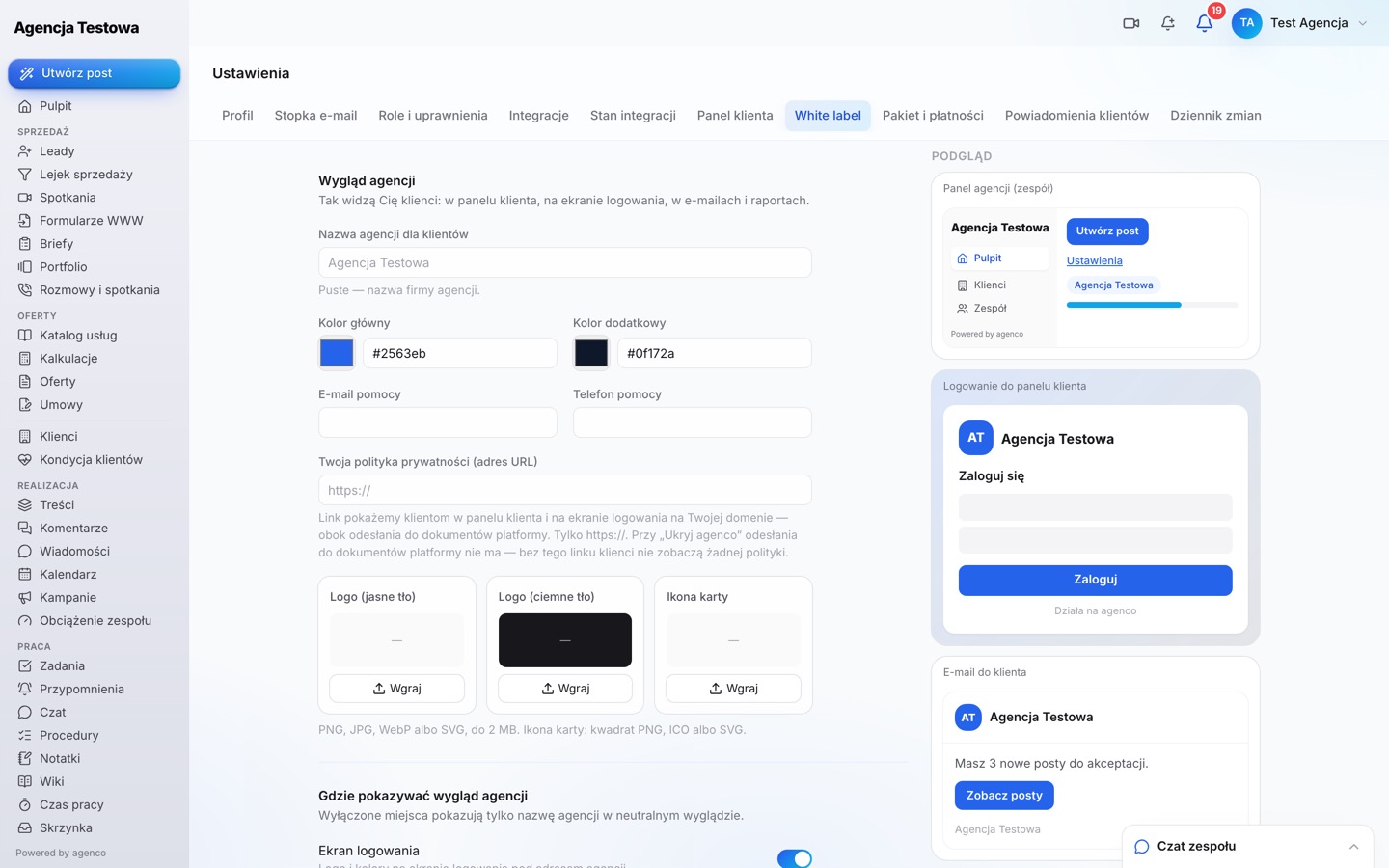
Own domain
E.g. portal.youragency.com.
Agency emails
Sender and look in agency colours.
Reports
Report link in agency colours.
Video testimonials
Recording page and widgets for client websites.
Questions about this module
Does the client need to install an app?
No. The portal works in the browser, on phone and desktop.
Can I use several domains?
Every agency gets a subdomain; add your own domain in Settings → White label.
Run your agency from one place
Create your agency account, add your first client and invite your team. No-commitment trial.